Best Free CRM Software for Small Business (2026 Guide)
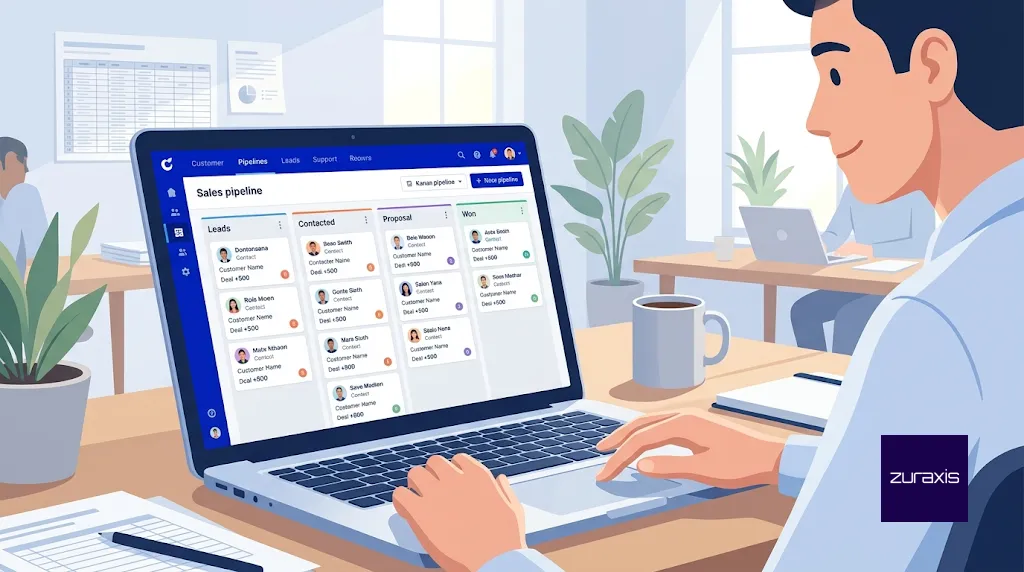
Most free CRMs are free the way a sample is free. You get enough to see the value, and a cap shows up just as the tool becomes useful. The ceiling that matters is rarely the price. It is the number of users, the number of contacts, and how much automation you can switch on before the vendor asks for a card.
This guide compares the free plans small businesses actually use. Limits come from each vendor’s own pages where we could reach them, and we flag the places where sources disagree. Plan limits change often, so treat the numbers below as a snapshot from October 2026 and confirm them in the signup flow before you import your data.
What a free CRM needs to do for a small business
A small team does not need forecasting dashboards or territory management. It needs one place where every lead and customer lives, a pipeline that shows which deals are moving, reminders so follow-ups do not slip, and email or call history attached to each record. If a tool does those four things and lets you export your data, it can replace a spreadsheet.
The decision then comes down to five limits: how many people can log in, how many contacts it stores, how much automation is included, whether your emails and forms carry the vendor’s branding, and how expensive the first paid tier is when you outgrow the free one.
Free CRM comparison at a glance
| CRM | Free users | Contact or record cap | Best for | Main catch |
|---|---|---|---|---|
| HubSpot | 2 | 1,000 contacts | Sales and marketing in one tool | HubSpot branding on emails, chat and meeting links |
| Zoho CRM | 3 | 5,000 contacts (per Zoho) | Two or three people selling | Few automation rules; Zoho’s own pages disagree on the exact number |
| Bitrix24 | 1 to 2 (see below) | 5 GB storage, basic CRM | CRM plus tasks and team chat | User cap wording is inconsistent on its own site |
| Capsule | 2 | 250 contacts | Simple, contact-first tracking | Small contact cap, no automation on free |
| Freshsales | 3 (verify) | Not confirmed | Teams that call leads | Sources conflict on whether it is a permanent plan |
| Open-source (EspoCRM, SuiteCRM, Odoo Community) | No licence cap | Limited by your server | Teams with technical help | You host, update and secure it |
HubSpot CRM: best for sales and marketing under one roof
HubSpot’s free tools have no time limit, and its own pricing page says the free account supports up to 2 users and 1,000 contacts. That second number surprises people. Plenty of older guides still say 1 million contacts, but HubSpot now lists 1,000 contacts, with a separate allowance of 1 million records across its other object types. If you read a comparison that promises unlimited users or a million contacts, check its date.
What you get is a proper CRM: contacts, companies, deals, tasks, and email connection to Gmail and Outlook. You also get forms, live chat and a meeting link. The trade-off is branding on all of those, 2,000 marketing emails a month, three email templates, and a single automated email action, so anything resembling a nurture sequence needs a paid plan. At the time of checking, the Starter tier listed at $20 per seat per month with promotional pricing as low as $7, which is a gentle first step compared with many rivals.
Choose HubSpot if you are one or two people, you want leads from your website forms to land in the CRM automatically, and your contact list is still under 1,000.
Zoho CRM: best free plan for a three-person team
Zoho offers its Free Edition to up to three users with no time limit. According to Zoho’s own guide to the plan, that includes 5,000 contact records, 150 emails a day without Zoho branding, five workflow rules, a web form per module, a mobile app and seven integrations with other Zoho apps. That is more room than most competitors give you at $0.
One caution. Zoho’s pages do not fully agree with each other. A separate Zoho comparison page from January 2026 lists ten workflow rules and 50 emails per user per day. The difference is small, but it is a reminder to open the Free Edition settings inside your account and read the limits you actually have. Paid editions start at roughly $14 per user per month on annual billing according to one 2026 pricing guide, though other sources list different figures.
Choose Zoho CRM if two or three people share the selling, you want basic automation, and you already use (or might adopt) other Zoho apps.
Bitrix24: best when you also need tasks and team chat
Bitrix24 bundles CRM with task management, chat and file storage, which is useful for a small company that wants one workspace rather than three subscriptions. Its pricing page presents the Free plan as 100% free for 1 to 2 users with 5 GB of storage and basic CRM covering deals and contacts. The FAQ text on the same site still describes the free plan as allowing unlimited users, so the sources are inconsistent. Assume the pricing table is current and verify at signup.
The paid plans are flat-rate by team size, with tiers that include 5, 50 and 100 users, rather than charging per seat. That structure can be economical for a growing team, but the platform is broad, and small teams sometimes find it heavier than they need.
Capsule: best for simple contact tracking
Capsule is deliberately plain. The free plan covers up to 2 users and 250 contacts, with a pipeline, tasks and notes. Third-party reviews note that the free tier has no AI features or automation, and the 250-contact cap is what most users hit first. Paid plans begin around $18 per user per month on annual billing according to listings we checked, with some sources quoting slightly higher monthly rates.
Choose Capsule if you are a consultant, freelancer or small service business that keeps a modest client list and wants something you can learn in an afternoon.
Freshsales: worth testing if your team lives on the phone
Freshsales, from Freshworks, is known for built-in calling and email. Most 2026 reviews say the free plan supports up to 3 users with Kanban views, email templates and a phone, and that it has no sales sequences. A few sources instead describe the free offer as a time-limited trial, and one reviewer could not confirm the cap from Freshworks’ own pricing grid. Because the evidence is mixed, sign up and read the plan terms before you commit.
Open-source CRMs: free licence, real running costs
EspoCRM and SuiteCRM are open-source and self-hostable under the AGPLv3 licence, and Odoo offers a free Community edition that can also be self-hosted. There are no per-user fees and no contact caps set by the vendor. What you pay for instead is hosting, installation, backups, updates and security patches, plus whoever does that work.
This route suits a business that already has a developer or a technical partner and cares about owning its customer data. If nobody on your side will maintain the server, a hosted free plan is safer.
The hidden costs of a free CRM
The subscription is the smallest cost. The larger ones are time, data and lock-in.
Time. A CRM only works when people log activity in it. A tool that takes an hour to configure and ten minutes a day to maintain will beat a more capable one that nobody opens.
Data portability. Before importing anything, confirm you can export contacts, deals and notes in CSV. Moving from free to paid inside the same vendor is easy. Moving between vendors is where weak export options hurt.
The upgrade cliff. Look at what the first paid tier costs for your team size, not just the free tier. A plan that is generous at one user can become expensive at five.
Channels. If most of your leads arrive on WhatsApp or through ads, check how each tool captures them. Messaging channels are often reserved for paid tiers, and a CRM that only sees your website form will miss half your pipeline.
How to choose
If you are a solo operator or a pair, with fewer than 1,000 contacts, and you want forms and email tracking, start with HubSpot. If you have three people selling and want some automation, start with Zoho CRM. If you also want tasks and chat in the same place, look at Bitrix24. If your list is small and your needs are simple, Capsule will feel the least like software. If you have technical help and want full control, test an open-source option.
Whatever you pick, set up three things in the first week: pipeline stages that match how you actually sell, a field that records where each lead came from, and a rule that every new enquiry gets logged the same day.
A CRM is only as good as the leads you feed it
The most common reason a new CRM disappoints is not the software. It is that the website behind it is not producing enough qualified enquiries, or that enquiries arrive through channels the CRM never sees. A well-built landing page that sends every submission straight into your pipeline does more for your numbers than a premium CRM plan. The same goes for follow-up: once leads are captured, email marketing and WhatsApp marketing keep them warm, and conversion rate optimization turns more of your existing visitors into records worth tracking.
If you want a second pair of eyes on where your leads are leaking before you choose a CRM, book a free growth audit with Zuraxis. We review your website, ads and lead flow, and tell you what to fix first.
Frequently asked questions
Is there a CRM that is genuinely free?
Yes. HubSpot, Zoho CRM and Capsule all offer permanent free plans with no time limit, within the caps described above. Open-source options carry no licence fee, but you pay to host and maintain them.
Which free CRM allows the most users?
Among the hosted tools covered here, Zoho CRM and Freshsales are commonly listed at 3 free users, while HubSpot and Capsule allow 2. Bitrix24’s free plan is shown as 1 to 2 users on its pricing table, although other text on its site claims unlimited users, so verify before relying on it.
Can I move from a free plan to a paid plan without losing data?
Within the same vendor, upgrading keeps your existing records. Moving to a different vendor depends on exports, so test a CSV export of contacts and deals early rather than when you need it.
Is a spreadsheet enough instead of a CRM?
For a handful of clients, yes. Once several people share leads, follow-ups depend on memory, or you need to see which deals are stuck, a free CRM removes the manual work at no cost.
Last checked: October 2026. Free-plan limits change frequently, so confirm current terms with each vendor before you commit.